翻訳・地図・決済をスマホのホーム画面に置いたら、街で慌てることが減った
The first time I realized that a phone home screen could affect my mood while traveling was at a metro exit in Nanjing. I had just come out near the Confucius Temple area and was heading to a snack shop recommended by a friend. Evening rush-hour crowds poured up the stairs, and the intersection was full of electric bikes, tourists, delivery riders, and tour groups following little flags. I stood beside the exit wanting to confirm my direction, but I kept swiping through my phone: first the camera, then weather, then accidentally opening a shopping app.
My translation app was inside a folder on the second page, the map was on the third page, and the payment app was grouped with banking and ticket apps. None of them was difficult to find in theory, but at an unfamiliar intersection, with a backpack on and people passing behind me, three seconds became long. The more I swiped, the messier it felt, and the more I tried to look calm, the less obedient my fingers became.
By the time I finally found the map, I had already crossed half the intersection in the wrong direction. The navigation arrow spun on the screen as if it also did not know which way I was facing. I looked down too long and nearly blocked an auntie pushing a bicycle. She was not angry; she only reminded me, “Stand to the side when looking at your phone. Don’t stand in the middle of the road.” The sentence was simple, but it woke me up. I was not panicking because I did not know how to use my phone. I was panicking because I had not placed the tools I used most where I could reach them fastest.
That evening, I finally found the snack shop and ordered a bowl of duck blood vermicelli soup. The shop was crowded, tables were tight, and servers carried hot soup through narrow aisles. After I sat down, my phone still lay beside the bowl, its screen full of scattered icons. A local young man at the next table saw me open and close several apps and asked with a smile whether I was looking for my payment code. I said I was looking for translation, map, and payment. All three were common tools, and none of them were in front of me.
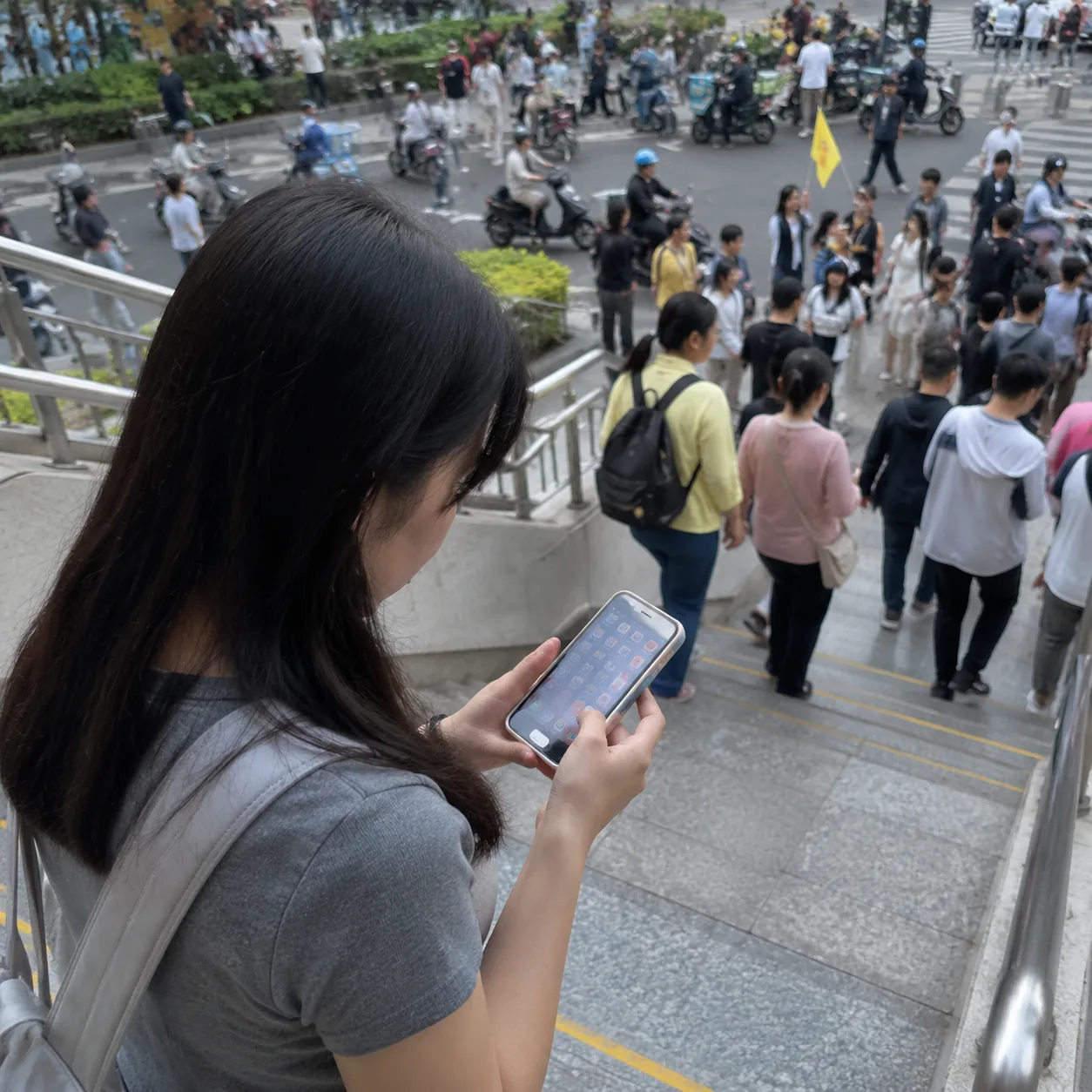
After hearing this, he said, “Put them on the home screen.” I said I worried the home screen would become messy. He shook his head and said that while traveling, the home screen was not for other people to admire; it was for helping yourself in small urgent moments. His own home screen was simple: phone, map, payment, and messaging in the first row; transit, weather, camera, and notes in the second. He traveled for work often and did not want to stand by the road searching through folders every time. What needed to be elegant was not the arrangement of icons, but the ease of getting things done.
While drinking the soup, I reorganized my phone according to his suggestion. The duck blood vermicelli soup was hot; the duck blood was tender, the vermicelli smooth, and the broth carried the fragrance of pepper and duck stock. But half my attention stayed on the screen. I dragged the translation app to the lower left of the home screen, placed the map beside it, put the payment app where my thumb could reach it most easily, and wrote my hotel address into a note on the same page.
The young man watched me moving icons around and added that I could prepare common phrases too, such as “How much is this?” “No chili, please,” “I want to go to this address,” and “Can I have a receipt?” I might not use them every time, but when I could not speak quickly, showing them directly would be faster than typing on the spot. I remembered an earlier moment in a pharmacy when I wanted to buy bandages but stood at the counter translating while people waited behind me. That kind of small panic could actually be reduced in advance.
After eating, I prepared to pay and felt the effect of the new arrangement for the first time. In the past I would unlock the phone, swipe left and right, find a folder, and open the payment app. That day, after unlocking, the payment icon was right under my thumb. I opened it, confirmed the shop name and amount, heard the payment confirmation, and put the phone away. The action did not become flashy; it simply lost several unnecessary layers of searching.
The next morning, I deliberately went out using the new home screen. My first stop was Xuanwu Lake. When I left the hotel, I tapped the map first to confirm the walking route. At intersections, I stood by a wall before checking direction. At a breakfast stall, I used the translation app to confirm the difference between savory and sweet soy milk. When paying, the payment app was right beside it. The three icons were like three tools placed in an outer pocket: not for showing off, but immediately reachable when needed.
The wind beside Xuanwu Lake was light, and the water held the gray-blue color of morning. Older people practiced tai chi under the trees; some carried birdcages, others walked quickly around the lake. I sat on a bench eating the flatbread I had just bought and suddenly felt much calmer than the day before. The city had not become simpler, and my Chinese had not suddenly improved. I had only removed one step that easily made me lose control: searching for tools under pressure.
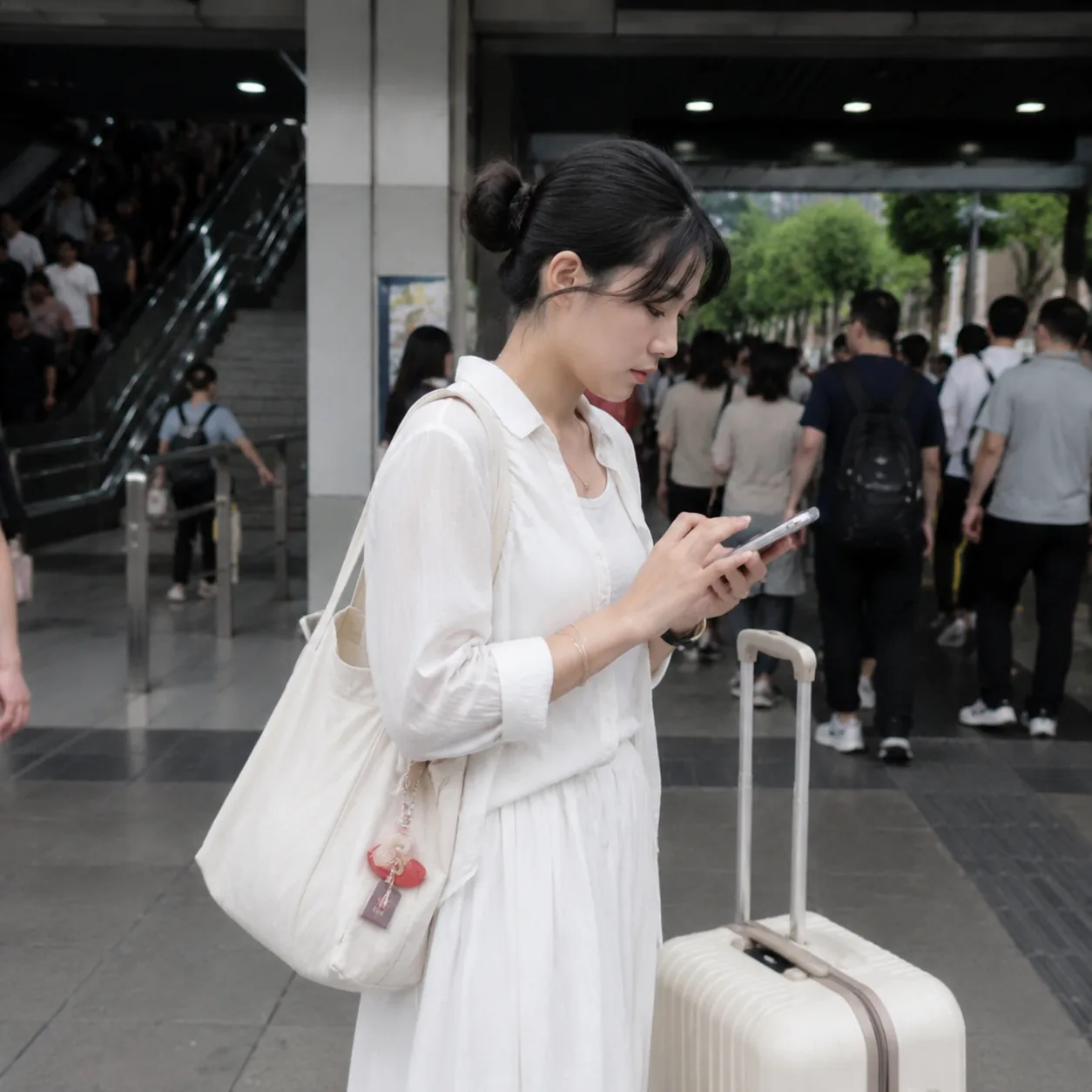
At noon I took a bus to Laomendong. Before boarding, I opened the transit code in advance instead of searching for it at the door. The bus was crowded, so I raised the screen brightness, scanned, and moved inside immediately without blocking the entrance. The driver barely glanced at me, and people behind me boarded smoothly. The detail seems too small to mention, but it taught me that a well-organized phone home screen not only helps me; it also reduces the way I disrupt other people’s movement.
In the lanes of Laomendong, I ran into a language problem again. I wanted to buy a package of pastries to take back to the hotel, but the clerk asked whether I wanted them for eating now or packed to go, and I did not catch it. In the past I might have smiled awkwardly or nodded randomly. This time I opened the translation app directly, recorded what she said, and showed her my answer: “Please pack it for me. I will eat it tonight.” She nodded and quickly took out a paper box.
The communication was brief, but it made me happy. The translation app did not let me avoid learning Chinese; it helped make misunderstandings smaller when I could not hear clearly, reacted slowly, or stood in a noisy environment. Placing it on the home screen was like putting the sentence “Please say that again” in my pocket. When needed, I could take it out without getting lost inside the phone first.
In the afternoon I wanted to visit a bookstore, but the map led me to a street blocked by construction fencing. In the past, I would have become anxious and decided the navigation was unreliable. This time I stood under a roadside tree, checked my current position, switched the walking route, and then used the translation app to ask a security guard, “Excuse me, where is the entrance to this bookstore?” He looked at the screen, pointed to a small lane behind me, and said to go around that way.
At that moment I realized that map and translation should not be kept too far apart. The map tells me the general direction, while translation helps with the final twenty meters. Many travel problems are not about crossing a whole city, but about being close to the destination and still unable to find the door, elevator, or understand a temporary notice. Keeping these two tools together gives the last little distance another path.
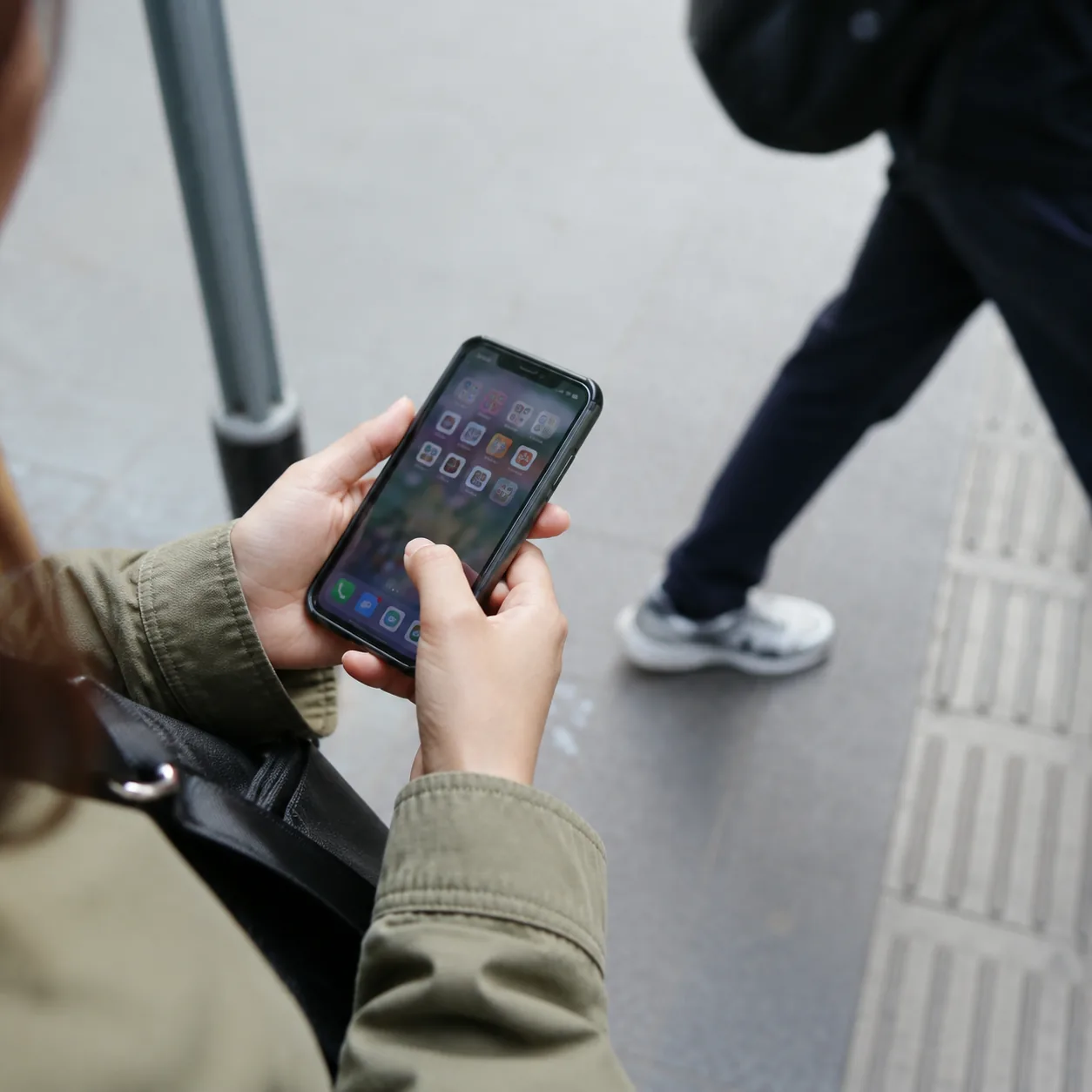
The bookstore was quiet, and the wooden shelves gave off a faint smell. I bought a postcard. The cashier had a QR code and also accepted cards. I paid by phone, checking the shop name and amount out of habit. The cashier said I could stamp the postcard with a souvenir seal and pointed to a nearby table. I used my notes app to save the shop’s location so I could recommend it to friends later. The notes app on the home screen suddenly became useful too, no longer just an ignored icon.
Before returning to the hotel that evening, I checked the home screen again. The first row held the most urgent tools: phone, map, translation, payment. The second row held tools I used while moving: transit, hotel address, camera, and weather. Shopping, video, and social apps that were not urgent moved to later pages. This arrangement would not suit everyone, but it suited me at that time: a foreign traveler walking, asking directions, eating, and taking transport in Chinese cities.
I also set a few small rules for myself. Before leaving the hotel, save the day’s destination in the map. Before boarding transport, open the transit code. Before ordering food, prepare translation or pictures. Before paying, confirm the shop name and amount. When the phone battery drops below half, stop casually watching videos. These rules sound like creating trouble for myself, but they actually spread trouble out before it gathers.
On the third day, I went to Nanjing South Railway Station to take a high-speed train. The station was large, and crowds crossed the hall like several rivers. I needed to show ticket information, check the gate, find a restroom, and buy a bottle of water. Places like this used to make me nervous because every step required opening a different page. That day, I pinned my ticket screenshot in the photo album, checked the station direction on the map, and kept payment on the home screen. The station was still complex, but I was no longer pushed around by that complexity.
In the waiting hall, I saw a foreign traveler standing in front of a vending machine, swiping through his phone just as I had done the day before. He wanted to pay but could not find the right app, and people began lining up behind him. I did not operate the phone for him; I simply suggested that he could step aside, find the app first, and then return to buy. He smiled and thanked me, moving beside a pillar. Watching him, I felt as if I were seeing myself at the metro exit the previous day.
After the train started, I sat by the window and switched my phone to battery-saving mode. The city slowly moved backward outside; buildings became fields, and fields were cut by rivers. I thought about how powerful digital tools are in travel, but power does not automatically create calm. Tools need location, order, and preparation before the moment they are truly needed. Otherwise, even the best apps become a pile of icons you cannot find at a crowded intersection.
Now whenever I arrive in a new city, the first small thing I do is not take photos, but organize my phone home screen. I place the hotel address, save map destinations, put translation where my thumb can reach it, keep payment and transit codes on the same page, and check battery and offline information. The process takes only a few minutes, but it feels like setting up a small workbench in an unfamiliar city.
This workbench will not make me understand a city, and it will not remove every misunderstanding. I will still take wrong turns, still fail to understand dialects, and still hesitate in front of menus. But when translation, maps, and payment are all in front of me, I can at least stop more quickly, ask more clearly, pay more carefully, and keep moving. What it gives me is not perfection, but the speed to restore order.
The auntie at the Nanjing metro exit who reminded me has probably forgotten that sentence. But I still remember her saying that if I looked at my phone, I should stand to the side, not in the middle of the road. Later I realized this was not only street etiquette, but also a travel method: first find a place where you do not block the way, then open the tool you need; first put the tools where they are easy to reach, then enter the complicated flow of people.
If someone traveling in China for the first time asks me which three apps matter most, I will say translation, maps, and payment. But I will add one more point: what matters is not only downloading them, but placing them on the home screen. Because what makes you panic is often not lacking a tool, but being unable to find it in the ten seconds when you need it. The calmness of travel sometimes hides in the position of an icon.
I still keep my phone home screen plain now. No beautiful wallpaper, no complicated widgets, only the most-used tools placed in front. It does not look special, but again and again it helps me panic a little less at unfamiliar intersections, block others a little less at shop counters, and search a little less at station entrances. For me, that is enough. Good travel preparation does not have to be visible; it simply helps you find the next step faster in the noise of the city.